Step-by-step registration
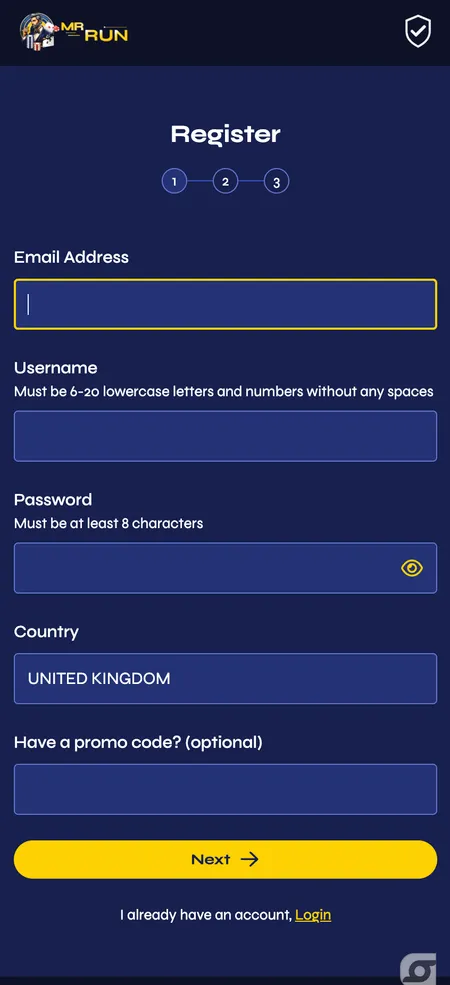
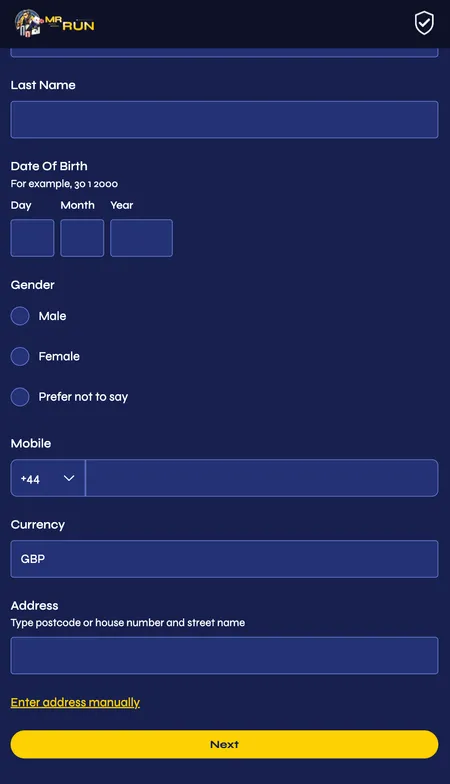
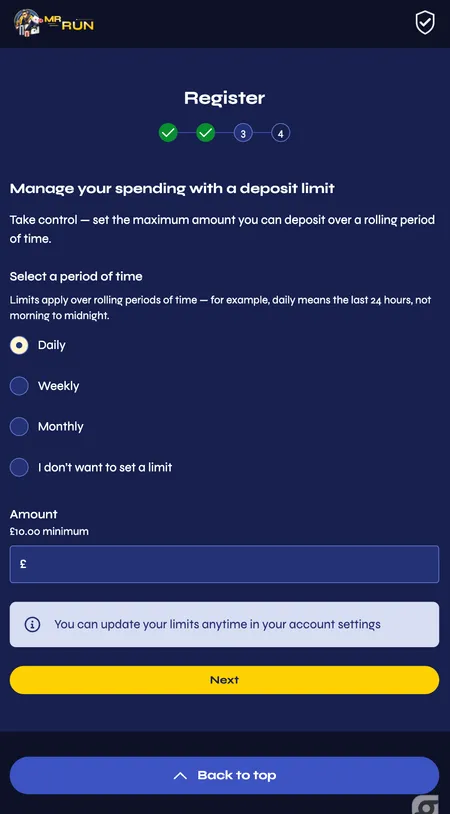
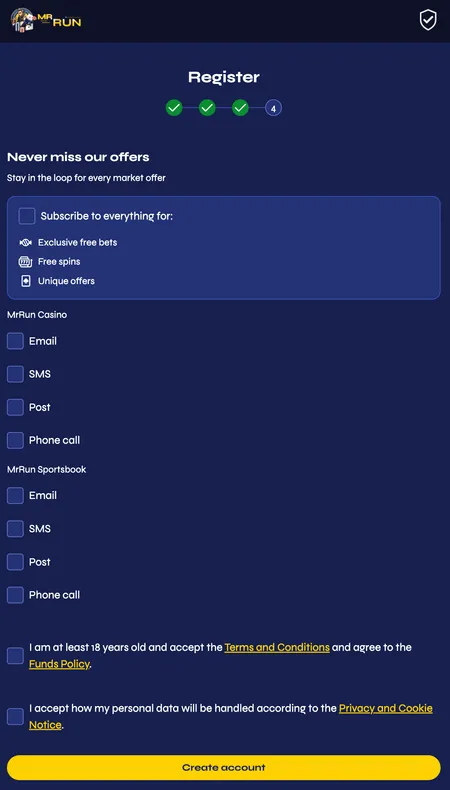
The sign-up form is split into four short screens. Here is exactly what each one asks.
Step 1 - Account details
Click 'Join' in the top-right corner of the homepage. Fill in your email address, a unique username, and a password. Set your country to United Kingdom. If you have a promotional code, enter it here - otherwise leave the field empty, since bonuses activate through the Promotions page or at the cashier during your first deposit. Click 'Next'.
Step 2 - Personal information
Enter your surname, date of birth (separate fields for day, month and year), gender (including 'prefer not to say'), your UK mobile number starting with +44, and select GBP as your account currency. For your address, type your postcode and choose from the list, or use the manual-entry link to type street and town separately. Click 'Next'.